
Text to speech app for iPhone
Read aloud on iOS with natural AI voices and sentence highlighting. Open a PDF, a link or an ebook in VoiceRead and keep listening with the screen off.
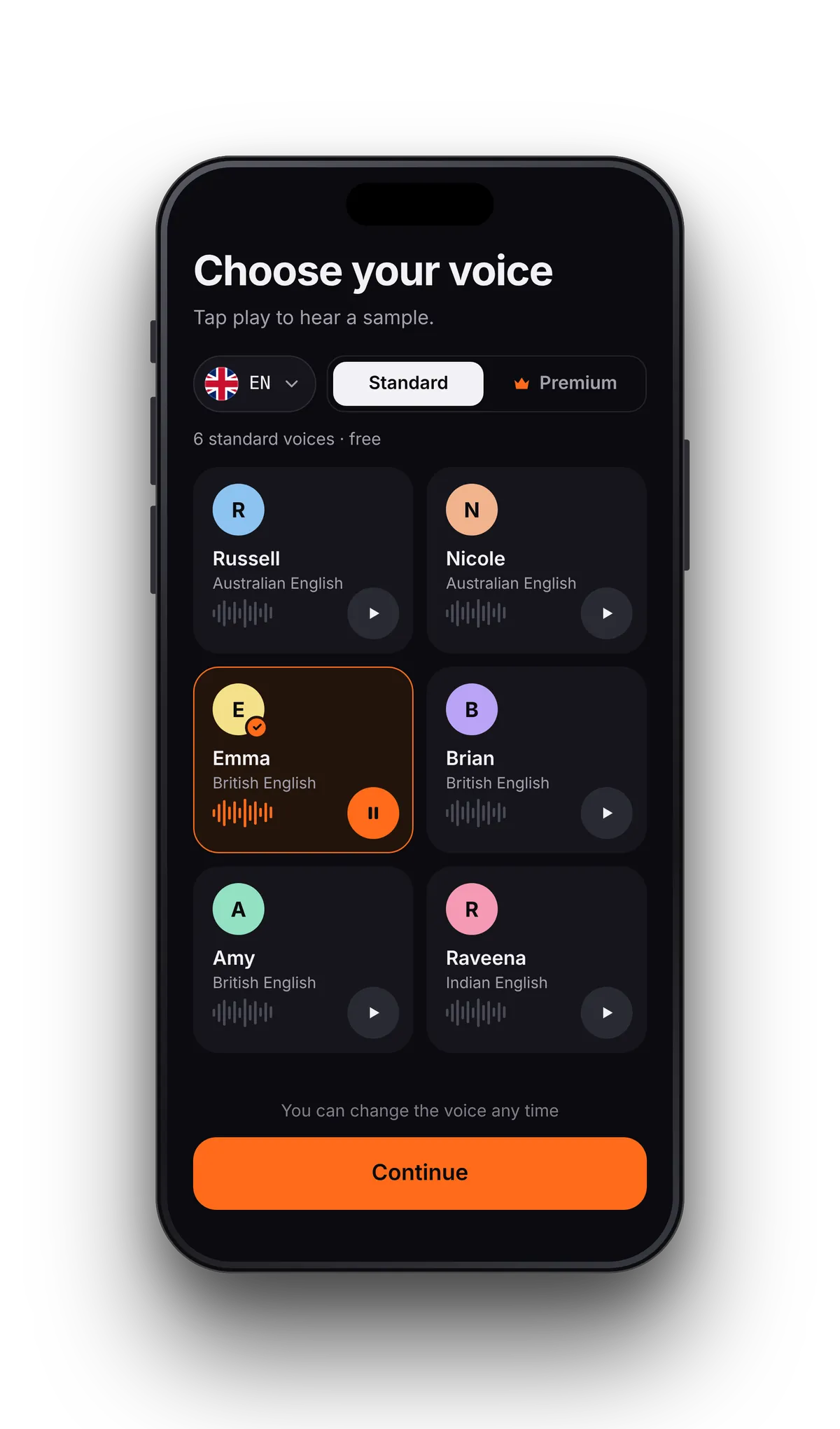
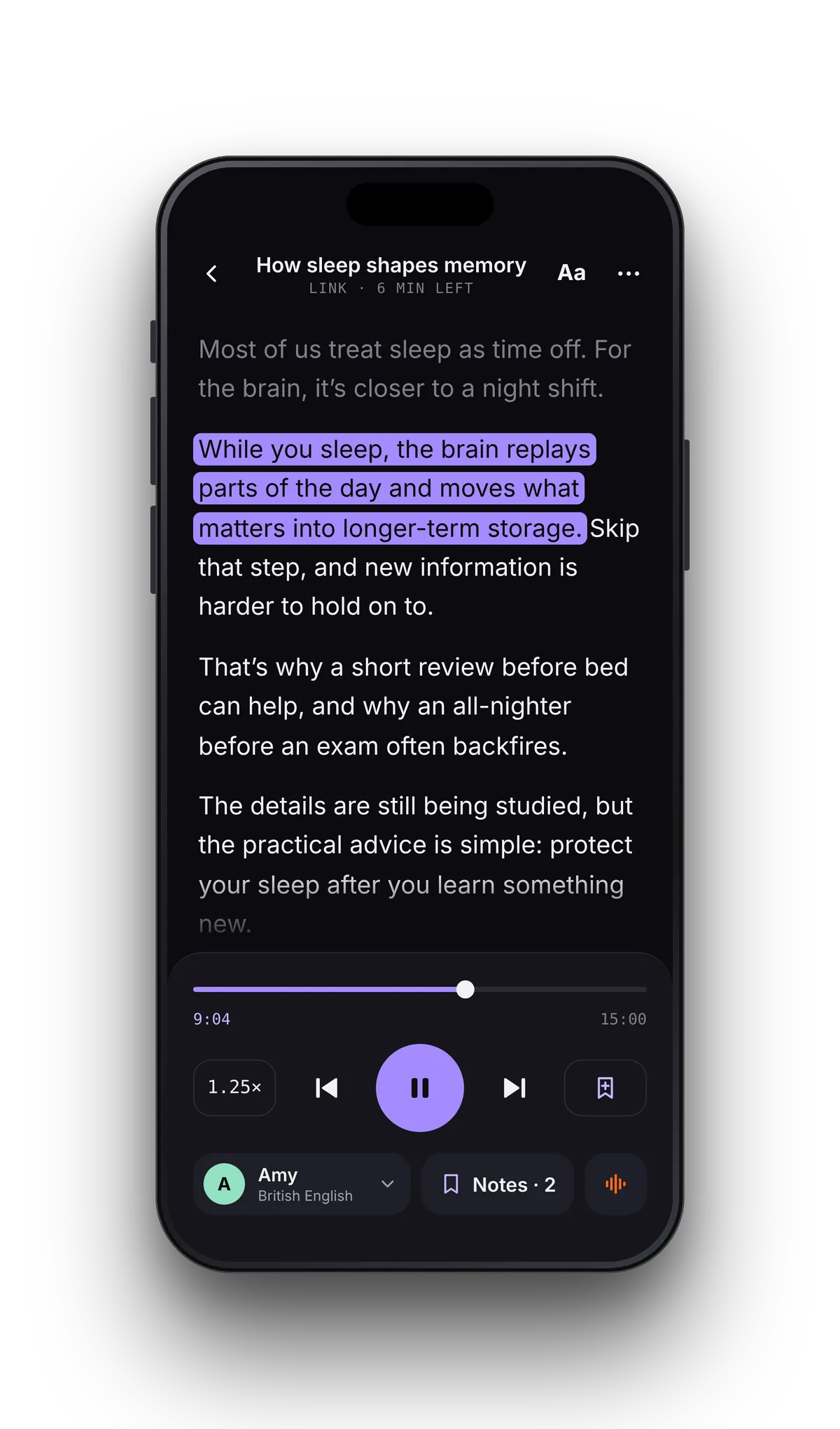
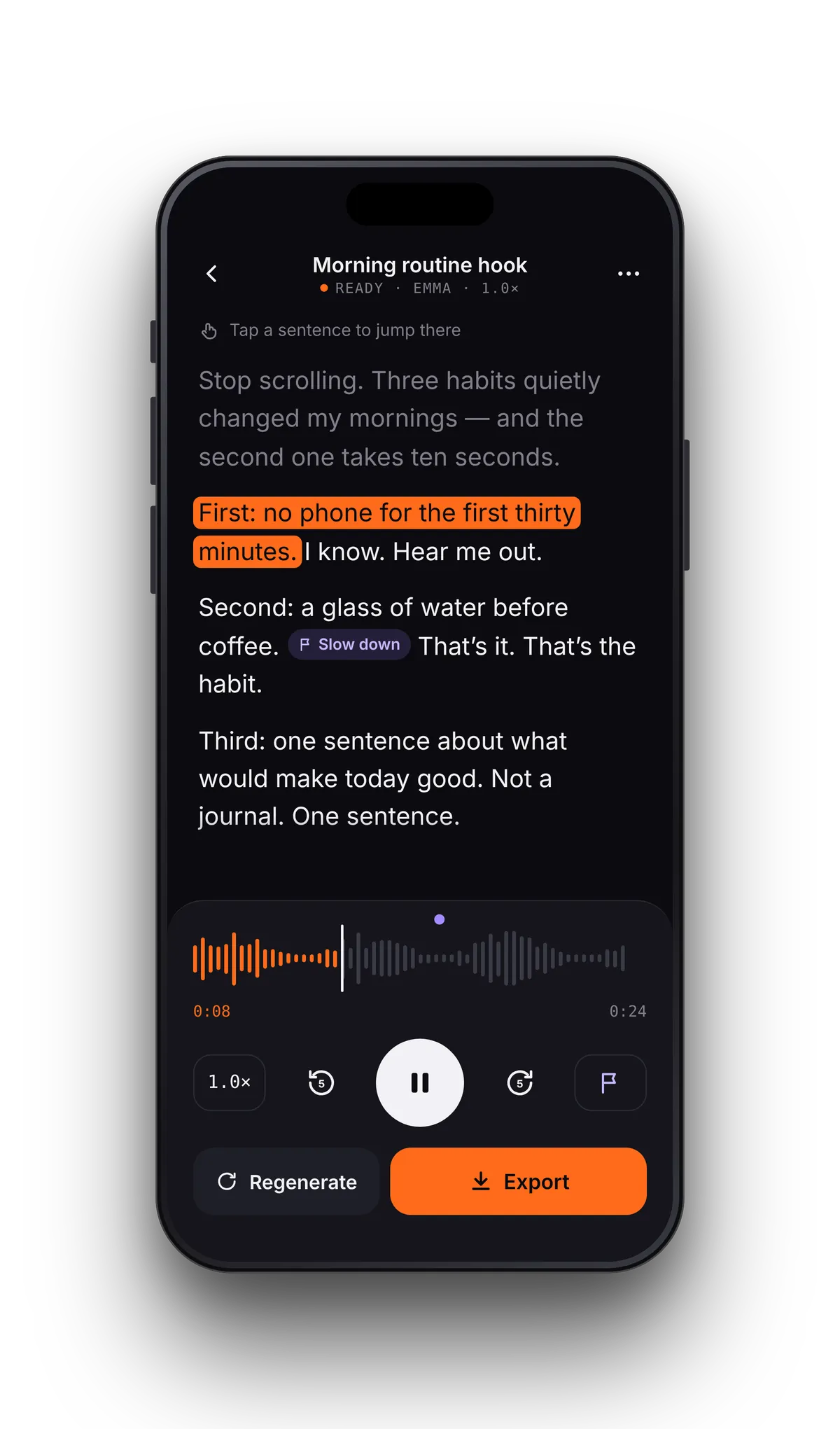
READ ALOUD APP · IOS
Built for the way iPhone works.
Files, iCloud & linksOpen PDFs, ebooks and Word files from the Files app — iCloud Drive, Google Drive and Dropbox included — or paste a link to an article.
Background play & AirPodsLock the phone, keep listening. Controls on the lock screen and in Control Center. CarPlay is coming soon.
Scan with the cameraPhotograph a printed page and have it read to you. Scans & photos
Sentence highlightingKaraoke-style reading in every format. How read-along works
iPad tooOne purchase, both devices. VoiceRead for iPad. iCloud sync of progress is coming soon.
Export to FilesVoiceovers save as M4A or WAV with captions, ready for iMovie, CapCut or a podcast host.
FAQ · IPHONE
How to make your iPhone read text aloud
- Can my iPhone read text to me without an app?
- Yes — iOS has Speak Screen and Speak Selection in its Accessibility settings. They read what's on screen, but don't keep your place across files, highlight sentences in your PDFs or export audio. VoiceRead adds those on top.
- Does VoiceRead work with AirPods and in the car?
- AirPods: yes, with play/pause from the stem. CarPlay is coming soon.
- Is there an Android version?
- An Android version is coming soon. For now VoiceRead runs on iPhone and iPad.
- What does it cost?
- Free with standard voices. Pro is $2.99 a week or $49.99 a year with a free trial. Pricing.