
ElevenReader alternative with audio you can keep
Need an ElevenReader alternative because the free hours run out, or because you want the audio as a file? Here's how VoiceRead and ElevenReader compare on price, limits, export and devices — including what ElevenReader does better, checked against its public pages on the date above.
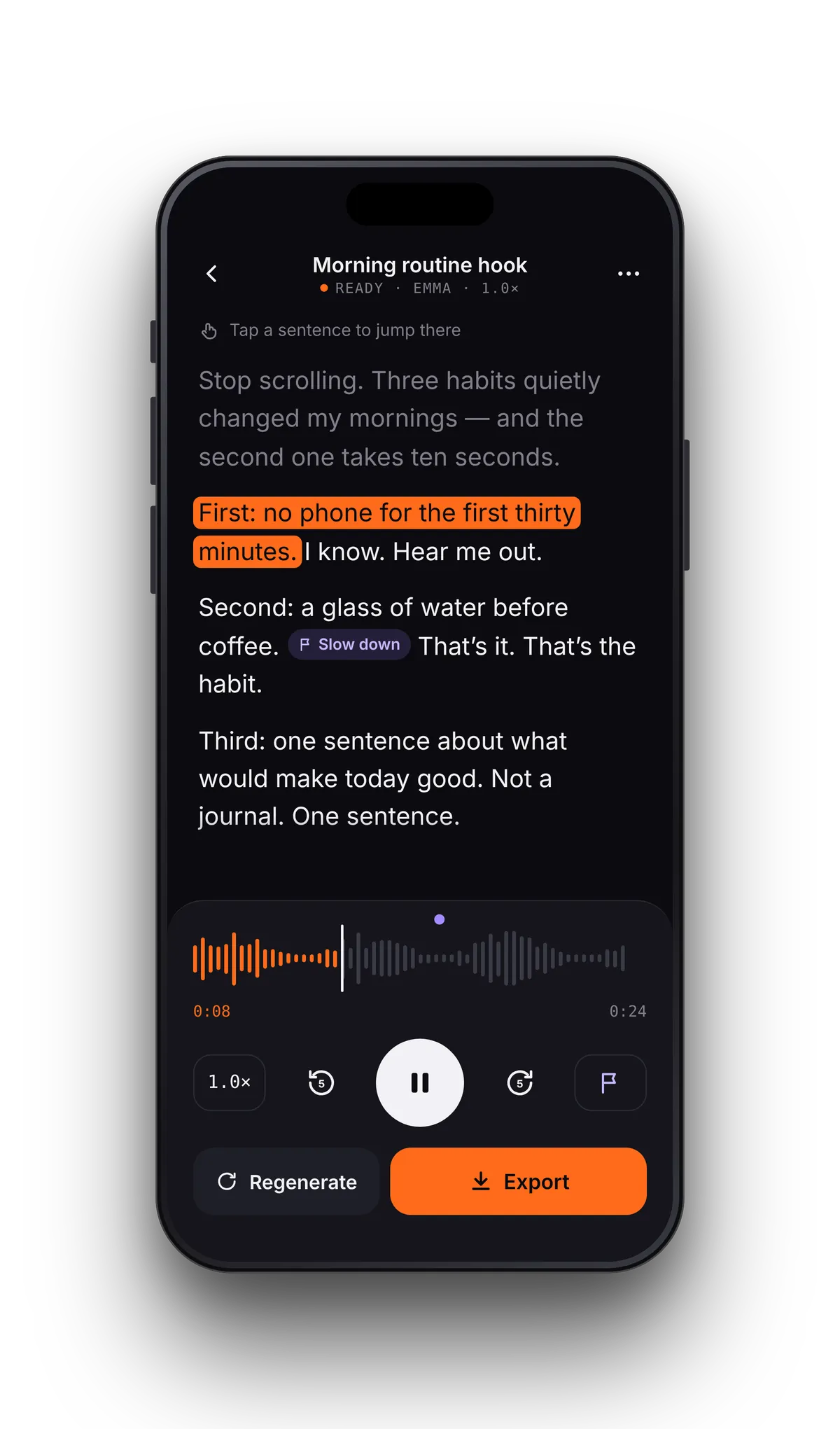
From your file to audio you keep, in three steps
- 01Open the same fileTap File for a PDF, EPUB, DOCX or TXT, paste an article link, or scan a printed page. Save HTML files as PDF or TXT first.
- 02Listen without a clockStandard voices are free and unlimited at any speed from 0.5–3.5×, so there are no hours to run down. Pro adds premium voices.
- 03Export when you need a filePut the text in Studio, generate, and save an M4A to Files. Pro adds lossless WAV and an .srt captions file.
Which one should you pick?
Feature by feature
| Feature | VoiceRead AI | ElevenReader |
|---|---|---|
| Price | $49.99/yr · $2.99/wk · free tier | $99/yr or $11/mo (Ultra) |
| Free tier | Unlimited listening with standard voices + 3 audio downloads, no account | 10 hours a month of text-to-audio; resets monthly, and faster playback uses hours faster |
| Paid limits | No word quota on Pro voices | Hours-based: up to 24 hours a day of your own imports on Ultra |
| Voices | Standard voices free, premium voices with Pro; 16+ languages | 1,000+ voices |
| Highlighting | Sentence by sentence (word-level coming soon) | Text highlighting |
| Reading speed | 0.5–3.5× | 0.25× to 4× |
| Audio export | M4A (3 free); unlimited 256 kbps M4A and lossless WAV with Pro | None — personal listening inside the app |
| Captions file | .srt with Pro, timed to the voice | No |
| Commercial use | Exported audio, with Pro | No audio to export |
| Offline | Standard voices read imported files offline; premium voices need a connection | Offline downloads on the paid plan |
| File formats | PDF, EPUB (DRM-free), DOCX, TXT, web links, camera scan, pasted text | PDF, EPUB, DOCX, TXT, HTML, web links, camera scan, pasted text (500 pages per file) |
| Platforms | iPhone, iPad (Android coming soon) | iPhone, iPad, Android, web (elevenreader.io) |
ElevenReader details come from its public pricing and help pages, checked on 2026-10-28; plans and limits change. ElevenReader and ElevenLabs are trademarks of their owner, and VoiceRead is not affiliated. Spot something out of date? Tell us via support.
ElevenReader is for listening. VoiceRead also makes the file.
ElevenReader is a listening app. Its help center describes the audio as for personal listening, and there's no way to export it. The free plan is measured in hours — 10 a month, reset monthly — and listening faster uses them faster.
VoiceRead has two halves. The reader reads your files aloud with the sentence highlighted and no limit on standard voices. Studio turns any text into an audio file you save to Files or share to another app: M4A on the free plan (3 downloads), and unlimited M4A, lossless WAV and an .srt captions file with Pro, which also allows commercial use.
- Voiceovers for videos, lessons and podcasts, with captions that line up
- Notes pinned to the sentence; your place saved in every document
- No hours to count: Pro sets no word quota on premium voices
- Imported files and camera scans read offline with standard voices
Switching questions
- Can you download audio from ElevenReader?
- Not as a file. ElevenReader's help center says its audio is for personal listening in the app; the paid plan adds offline downloads. If you need an audio file, VoiceRead's Studio exports M4A, and Pro adds WAV and .srt captions.
- How do ElevenReader's free hours work?
- The free plan includes 10 hours a month of text-to-audio. The hours reset monthly, and faster playback uses them faster. VoiceRead's text to speech has no hour or word limit with standard voices on the free plan.
- Do VoiceRead's voices sound like ElevenReader's?
- They're different voice libraries, and ElevenReader offers more of them (1,000+). Preview VoiceRead's voices in the app before you choose — the standard set is free, and more natural premium voices are coming soon. The fairest test is the same page in both apps. Voices and languages.
- Is VoiceRead on Android or the web?
- Not yet. VoiceRead runs on iPhone and iPad, and Android is coming soon. ElevenReader already has Android and web apps.
- Can I bring my ElevenReader files over?
- Files you own — PDF, EPUB, DOCX and TXT — open from the Files app, and article links paste straight in. Save HTML files as PDF or TXT first. Listening progress doesn't transfer between apps.