
Read text from an image aloud: point, scan, listen
Read text from an image aloud with your camera: hold your iPhone over a printed page and VoiceRead captures it automatically, recognizes the text on the phone and reads it to you. It works offline, so a letter, a menu or a handout can be heard anywhere.
Paper to voice in three steps
- 01Open the scannerTap Scan in VoiceRead and hold your phone over the page so the whole page fits in the frame.
- 02Hold steadyOnce text is detected, the page is captured and straightened automatically. Turn to the next page and keep going, or finish.
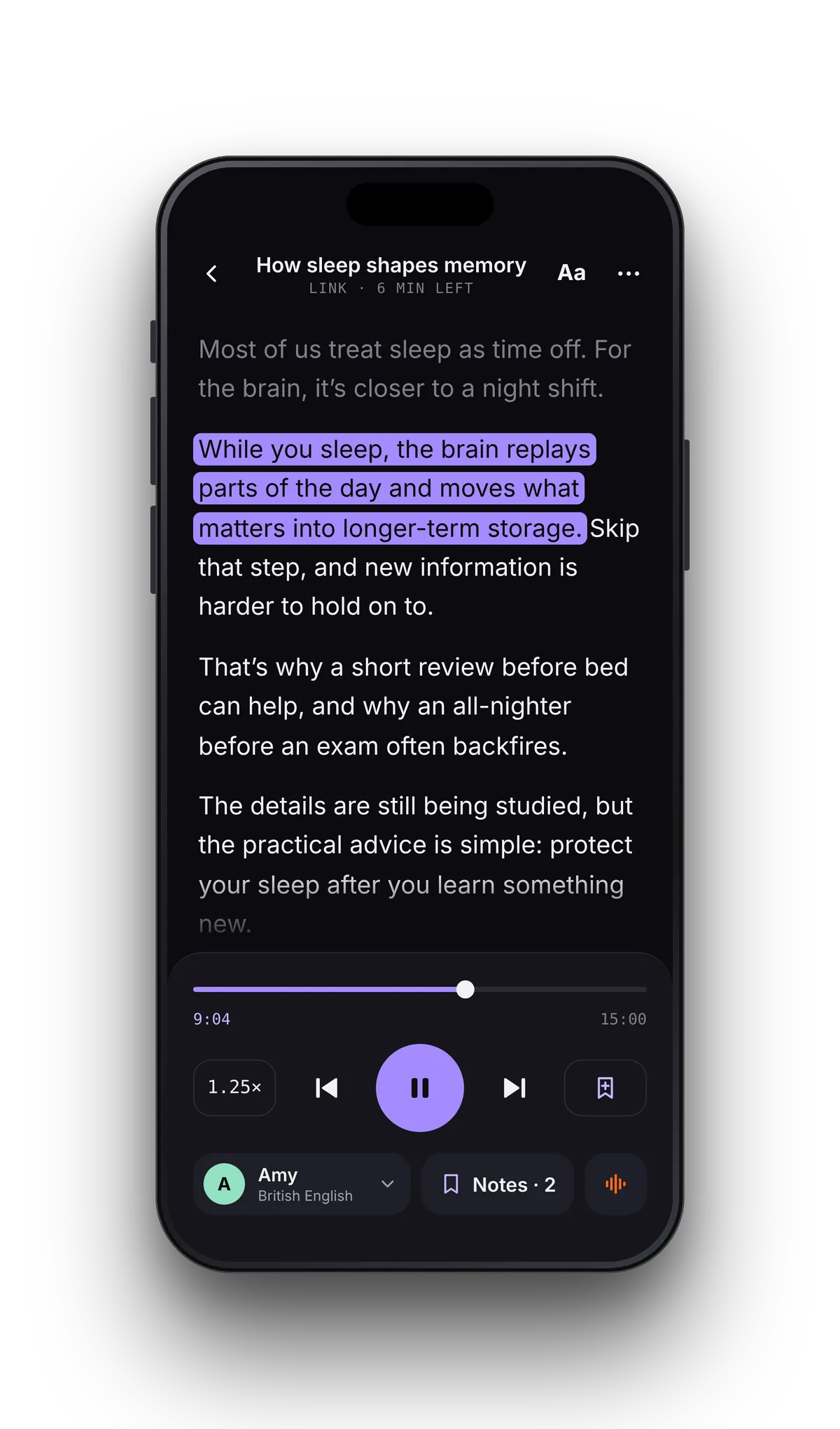
- 03ListenThe text is recognized on your phone and opens in the reader, each sentence highlighted as it's read.
Paper that reads like text, not like a photo.
OCR text to speech is only as good as the text it gets. VoiceRead puts broken lines back into paragraphs and rejoins words split by a hyphen at the end of a line, so a scanned page sounds like the original — and the highlight follows the voice through it.
For the paper that lands in your hands.
Light, flat, steady.
Text recognition (OCR) runs on the phone itself, so scanning works on a plane, in a basement or abroad without data — and with a standard voice, so does listening. What matters is a clear picture of the page.
If VoiceRead can't find any text, it says so. Try again with more light, holding the phone parallel to the page.
- Even light, without your own shadow across the page
- Phone parallel to the page, the whole page in the frame
- Folded letters flattened, fingers off the text
- Clear printed text works best; tiny or faded type is harder
Have a scanned PDF instead of paper?
A scanned PDF holds pictures of pages with no text layer behind them, so there are no words to pull out. Reading those files directly is coming soon. Until then, scan the paper pages with the camera.
Scanning questions
- How do I get my iPhone to read text from a picture?
- Open VoiceRead, tap Scan and hold the camera over the page; it captures automatically and reads the text aloud. For a photo or screenshot you already have, use Live Text: touch and hold the text in the Photos app, select it, tap Copy, then paste it into VoiceRead.
- Does scanning work without internet?
- Yes. Text recognition happens on the phone, and the standard voices read the result offline. Premium voices need a connection.
- Can VoiceRead read a scanned PDF?
- Not yet. A scanned PDF has no text layer, and reading those files directly is coming soon. Until then, scan the printed pages with the camera.
- Is scanning free?
- Yes. Scanning and listening with the standard voices are free and need no account. Pro adds premium voices and unlimited audio downloads. See pricing.
- Can I turn a scan into an audio file?
- Yes. In Studio, start a new voiceover with Scan, generate it and export an M4A; Pro adds lossless WAV and an .srt captions file.