
Read Word documents aloud and proofread by ear
Read Word documents aloud on your iPhone or iPad: open a DOCX or TXT file and VoiceRead reads it in a natural voice, highlighting each sentence. Hearing your own writing catches the missing words, repeated phrases and tangled sentences your eyes slide past.
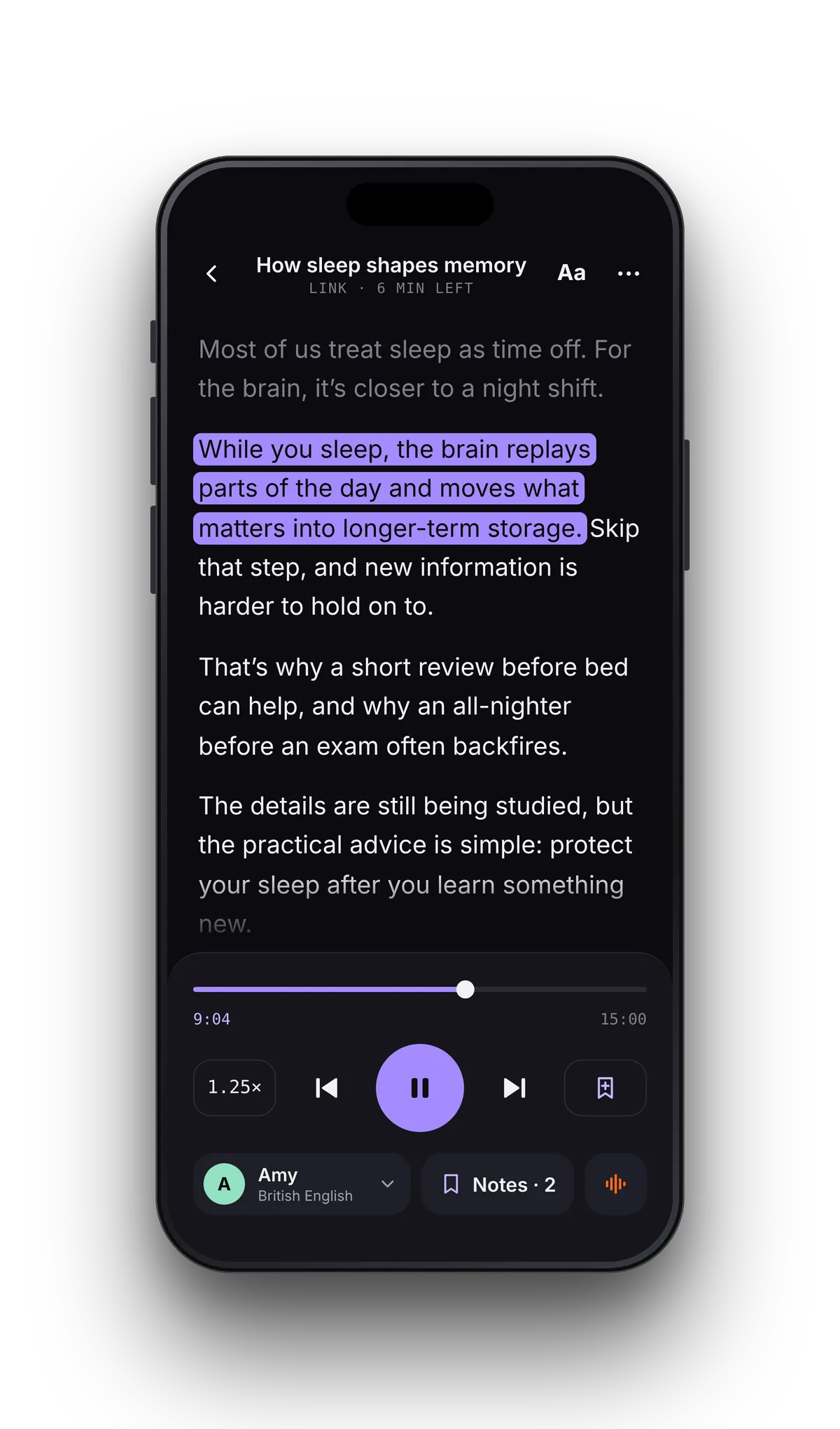
DOCX text to speech in three taps
- 01Open the documentTap File and pick the DOCX or TXT in the Files app — iCloud Drive, Google Drive and Dropbox appear there. Or paste the text straight in.
- 02Set the voice and paceStandard voices are free; Pro adds premium voices. Slow down to proofread, speed up to review — anywhere from 0.5–3.5×.
- 03Listen and markThe sentence being read lights up. Tap it to hear it again, and add a note wherever something needs fixing.
Hear what your eyes skip over.
When you reread your own draft, your brain fills in what you meant to write. A voice reads only what's on the page, so a dropped word or a sentence that runs out of breath stands out — and the highlight shows exactly where it is.
DOCX, TXT and Google Docs — and what to convert first.
A second reader for every draft.
Play the document a little below your usual speed. Each time something snags — a typo, a missing word, a sentence you'd never say out loud — add a note. It's pinned to the sentence being read.
When the read-through ends, open your notes and tap one to jump back to its sentence. Make the fix in Word, Google Docs or Pages; VoiceRead reads documents but doesn't edit them. Import the new version to hear the changes.
- Notes pinned to the sentence — tap one to jump straight back
- Your place saved in every document
- Tap any sentence to start reading from there
- Reader text from 16 to 28 pt on a dark reading surface
Turn a document into a voiceover.
In Studio, start a new voiceover from a file, pick a voice and generate. Listen back with the text highlighted, then export the audio for a presentation, a training module or a video.
Word and text file questions
- How do I get my iPhone to read a Word document aloud?
- Open VoiceRead, tap File, pick the .docx in the Files app and press play. Each sentence is highlighted as it's read, and your place is saved for next time.
- Can VoiceRead read Google Docs?
- Yes, once exported. Download the doc as Word (.docx), PDF or plain text and open that file — or copy the text in Google Docs and paste it into VoiceRead.
- Why does my RTF or HTML file show strange codes?
- VoiceRead reads DOCX, TXT, PDF and EPUB. RTF and HTML files open with their formatting codes in the text, so save a copy as DOCX, PDF or plain text first.
- Can I turn a Word document into an MP3?
- Studio exports M4A, which plays almost everywhere MP3 does; Pro adds lossless WAV and an .srt captions file. Direct MP3 export is coming soon. Export options.
- Does it work offline?
- Yes. Once the document is in VoiceRead, the standard voices read it without a connection. Premium voices need to be online.
- Is it free?
- Yes. Listening with the standard voices is unlimited and needs no account. Pro adds premium voices and unlimited audio downloads. See pricing.